
How to Build a Home Lab for Networking: Unlock Real-World Skills at Home
How to Build a Home Lab for Networking: Step-by-Step Guide

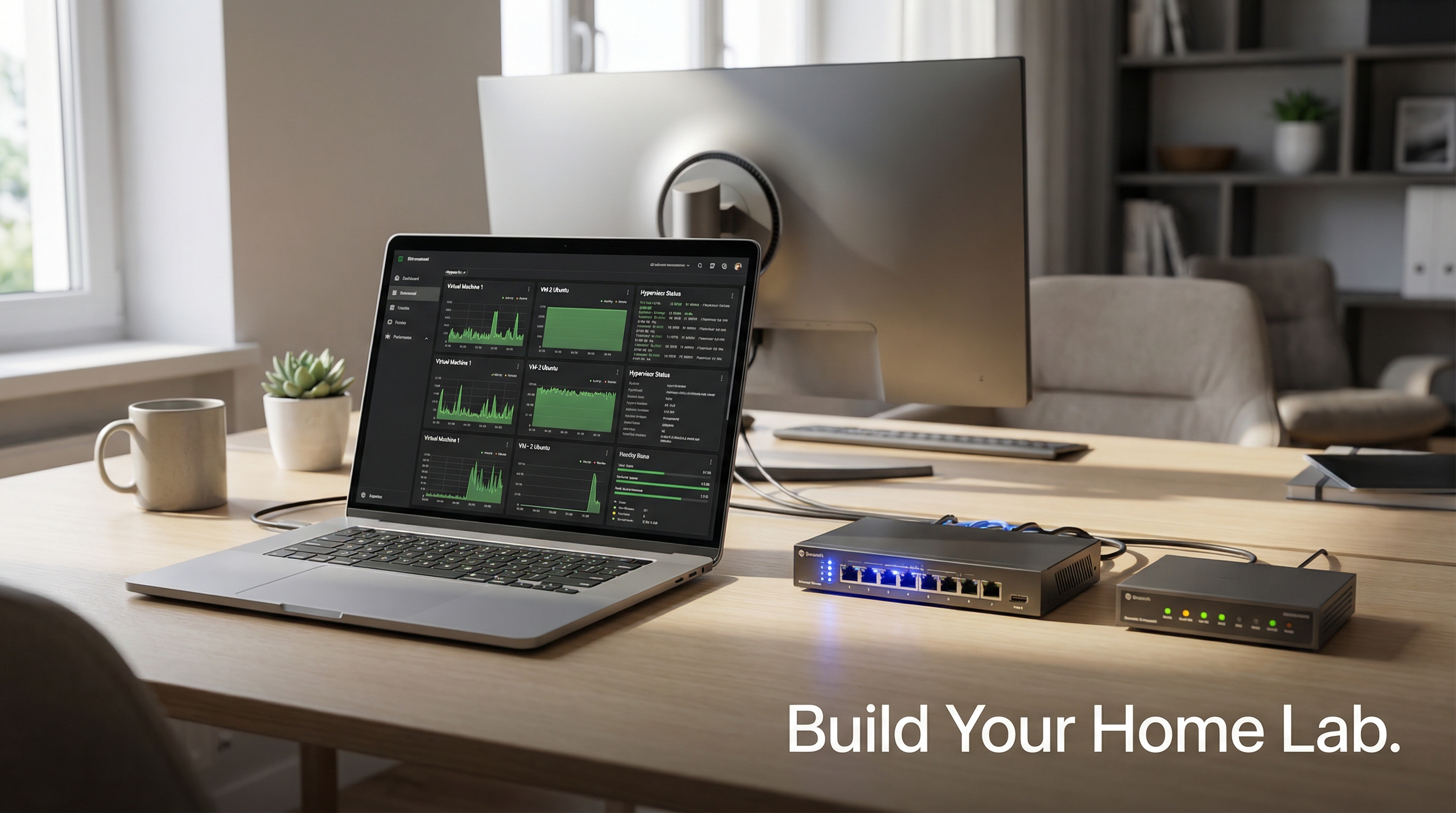
Are You Interested in Launching or Advancing Your IT or Cybersecurity Career?
Are you interested in launching or advancing your IT or cybersecurity career, but unsure how to gain practical, hands-on experience? Building a home lab for networking is one of the most effective steps you can take. Whether you are a career changer, a veteran, or an entry-level IT professional aiming to move up, a home lab helps bridge the gap between theory and the real-world technical skills employers demand. This guide is crafted for adults seeking a direct path into IT or cybersecurity, and for those who want structured, purpose-driven learning they can control from home.
What Does It Mean to Build a Home Lab for Networking?
Building a home lab for networking means creating a safe, isolated environment—using physical or virtual equipment—where you can practice setting up, configuring, and troubleshooting real network and security scenarios. This hands-on setup enables you to develop critical job skills, demonstrate your expertise to employers, and prepare for certifications, all without risking your main home or work systems.
Why Start a Home Lab for Networking and Cybersecurity?
Home labs give you the opportunity to apply concepts from courses and textbooks to real scenarios. They help you:
- Develop core skills in network segmentation, VLANs, firewalls, and device management
- Safely experiment with virtualization, operating systems, and security tools
- Build a portfolio of projects to show employers
- Prepare for certifications and technical interviews with confidence
- Practice troubleshooting, documentation, and automation—skills valued in IT roles
How to Build a Home Lab for Networking: Step-by-Step
Setting up your home lab does not have to be expensive or complicated. By focusing on your learning goals and following a purpose-driven approach, you can start small and expand as your skills grow.
Step 1: Define Your Learning Mission
Before investing in hardware or downloading software, clarify what you want to achieve. Are you aiming to master network fundamentals, explore cybersecurity, or prepare for a specific job or certification? Setting clear, time-bound goals—like "learn VLAN configuration and firewall rules in 30 days"—will help you build a focused lab that supports your career growth.
Step 2: Choose Your Hardware Wisely
You do not need enterprise equipment to get started. Most beginners can use an existing PC or laptop with at least a 4-core CPU, 16 GB RAM, and 256 GB SSD. For more advanced labs, 32 GB RAM and additional storage are helpful but not required right away. Mini-PCs, Raspberry Pi devices, or refurbished desktop hardware can be added later as your needs evolve.
- Tip: Use what you have first. Upgrade only if your goals require it.
- Budget range: $0–$500 for a capable starter setup.
Step 3: Prepare Your Host System
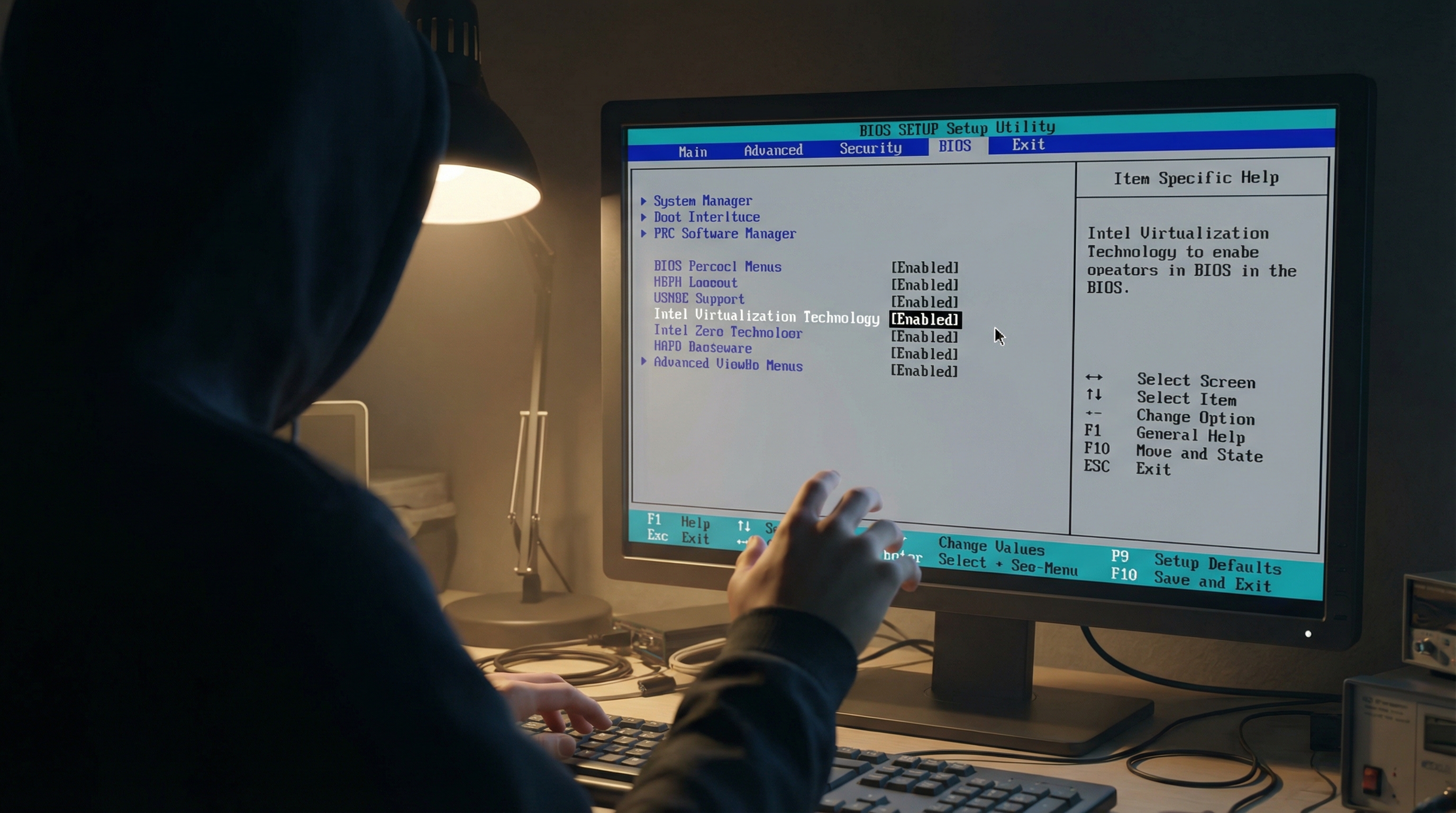
Enable virtualization support in your BIOS or UEFI settings. Make sure your operating system is up to date and reserve 200–300 GB of free disk space for virtual machines. This will allow you to run multiple systems at once without slowdowns.
Step 4: Select and Install a Hypervisor
For most home labs, Oracle VirtualBox (free, cross-platform) or VMware Workstation Player (free for personal use) are excellent choices. These tools let you create and manage virtual machines on your main computer, allowing you to simulate network environments with minimal risk.
- Install only one hypervisor to avoid software conflicts.
- Take advantage of snapshot features to save and restore lab states.
Step 5: Build Your Core Virtual Machines
A practical starter network lab typically includes:
- Kali Linux (attacker/penetration tester): 4–8 GB RAM, 40–60 GB disk
- Metasploitable 2 (target/vulnerable system): 1–2 GB RAM, ~20 GB disk
- Windows 10/11 Evaluation (user/endpoint): 4–8 GB RAM, 80–100 GB disk
- (Optional) Security Onion or Wazuh (defensive monitoring): 4–8 GB RAM, 100+ GB disk
Download ISO files from official sources. Allocate resources based on your hardware limits.
Step 6: Set Up Virtual Networking and Isolation
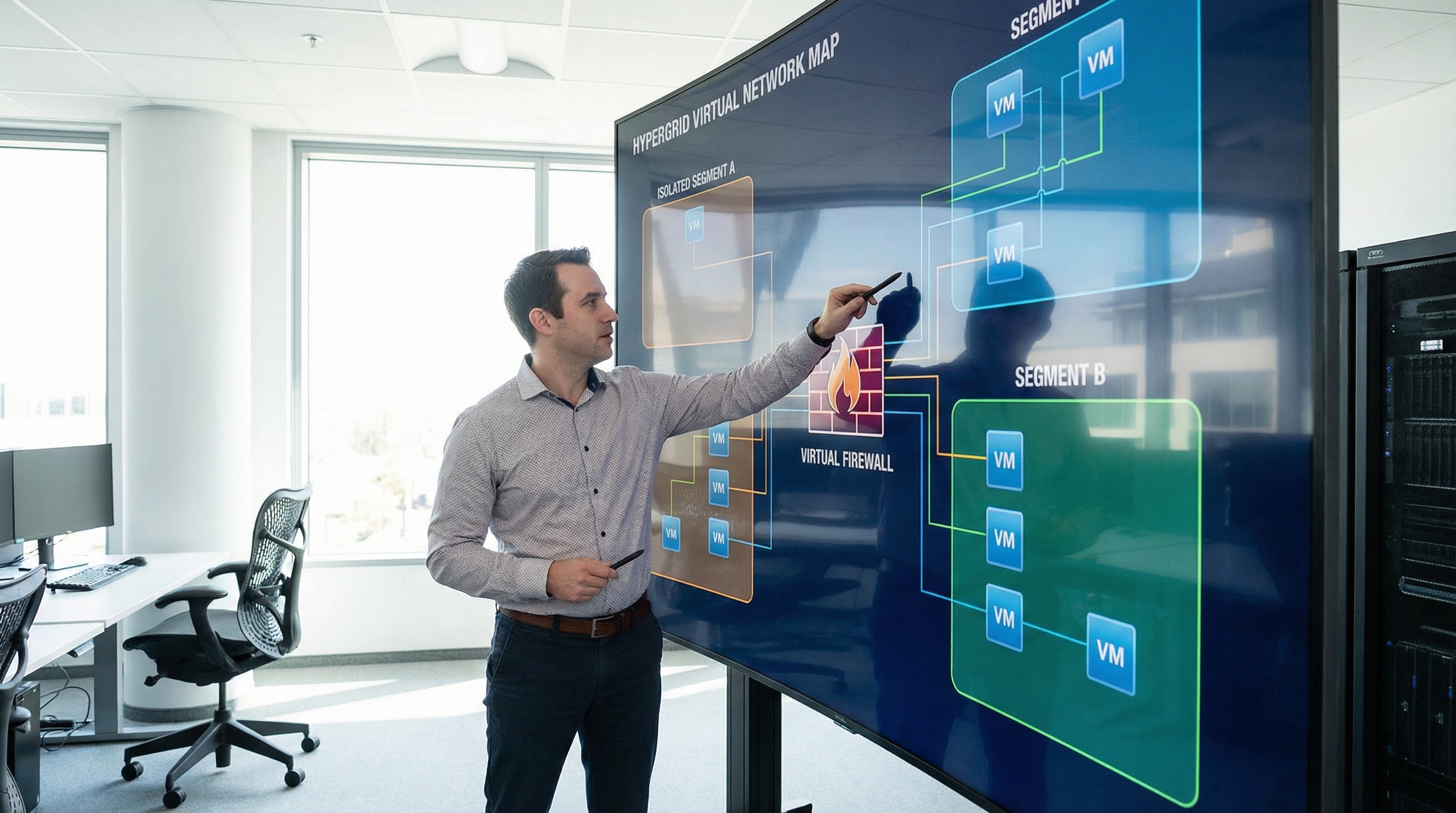
Networking is the heart of your lab. Use host-only or internal network modes to keep lab traffic separate from your home network. This ensures safety, prevents accidental exposure, and lets you simulate real-world segmentation. For advanced segmentation, try adding a virtual firewall like pfSense or OPNsense, which are both used widely in enterprise environments and home labs.
- Never bridge vulnerable VMs to your main network.
- Test connectivity between VMs and ensure isolation is working.
Step 7: Practice with Real-World Scenarios
Apply your learning with hands-on exercises such as:
- Network reconnaissance (using nmap) to discover devices and services
- Configuring VLANs and firewall rules for segmentation
- Simulating attacks and defenses on vulnerable systems
- Monitoring logs with Security Onion or Wazuh
- Performing break/fix cycles and restoring from snapshots to build troubleshooting skills
Document your exercises with diagrams, screenshots, and notes. This will become a valuable portfolio asset for job applications and interviews.
Lab Design: Physical, Virtual, or Hybrid?
Most beginners start with a purely virtual lab, as it is cost-effective and easy to set up. As your interests grow, you can add physical devices like managed switches (for VLAN practice), Raspberry Pis, or even used enterprise firewalls. A hybrid approach—mixing virtual machines with real hardware—mirrors enterprise environments and lets you practice cabling, power management, and device monitoring.
For example, using a managed switch with VLAN support or a mini-PC running OPNsense opens the door to advanced scenarios like IoT isolation, SSID management, and high-availability setups. These skills are directly transferable to professional network engineering or cybersecurity roles. This can support you if you plan to go from help desk to network engineer in the future.
Key Concepts to Practice in Your Home Lab
- Network segmentation and VLAN setup
- Firewall configuration and rule enforcement
- DNS management (e.g., setting up Pi-hole for ad blocking)
- Secure remote access using VPN or modern zero trust solutions
- Backup and disaster recovery planning for your lab data
- Automation with scripts or configuration tools to rebuild or manage your lab
These exercises not only build your technical skills but also teach you about privacy, access control, and high-availability—qualities employers look for in IT and cybersecurity professionals.
How Do I Turn My Home Lab into a Career Asset?
Employers highly value hands-on experience, especially when paired with the ability to explain what you built, how you fixed problems, and what you learned. To make your lab a career springboard:
- Document your network diagrams, configurations, and troubleshooting steps
- Log each exercise, what went wrong, and how you resolved it
- Create sample resume bullets, such as “Designed and secured a segmented multi-VM lab simulating enterprise environments”
- Align your lab projects with structured learning, like a bootcamp or certification pathway
Understanding networking vs cyber roles can also help you position your lab skills effectively. At NGT Academy, our Network Engineer Program + Cybersecurity Accelerator is designed to help you combine your home lab experience with guided, job-focused training. We offer mentorship, hands-on labs, and career coaching to help you move directly into IT and cybersecurity roles.
Staying Safe, Ethical, and Resilient
Always isolate your lab from your family or work devices; never attack systems you do not own or control. Regularly test your lab’s network isolation and backup your important lab data. Practicing safe, ethical experimentation is not just best practice—it is expected in the industry.
For additional learning support, explore the real‑world labs vs traditional IT education comparison to understand why hands-on home labs are so valuable.
FAQ
What is the minimum hardware required to build a home lab for networking?
The minimum recommended hardware is a 4-core CPU, 16 GB RAM, and a 256 GB SSD. You can start with an existing laptop or desktop and upgrade as needed.
Do I need to buy expensive equipment to build a useful networking lab?
No, you can start with free or low-cost virtual machines using your existing computer. Many hands-on skills can be practiced virtually before investing in physical equipment.
How do I safely isolate my lab from my home network?
Use host-only or internal network modes in your hypervisor, and avoid bridging vulnerable virtual machines to your main network. For advanced labs, use a virtual or physical firewall like pfSense.
How can I use a home lab to advance my IT or cybersecurity career?
Document your projects, align them with industry certifications, and use your hands-on experience to demonstrate problem-solving skills in interviews and on your resume.
Does NGT Academy help students build and use home labs?
Yes, NGT Academy’s programs integrate structured home lab exercises, mentorship, and career coaching to help you develop and showcase industry-ready skills.