
Symptoms of Cyber Compromise: What to Look for on Your Network and Endpoints
Symptoms of Cyber Compromise: What to Look for on Your Network


Are you pursuing a career in IT or cybersecurity, or looking to advance from entry-level to more specialized roles? Understanding the symptoms of cyber compromise and what to look for on your network and endpoints is fundamental for both aspiring and practicing professionals. This article will break down the key signs of compromise, how to recognize them, and actionable steps for detection and response. Whether you are switching careers, upskilling, or seeking hands-on training, these insights will help you stay ahead in the constantly evolving cybersecurity landscape.
What are the Most Common Symptoms of Cyber Compromise?
Early signs of cyber compromise include unusual login activities, unexpected use of remote access tools, abnormal application behavior, unauthorized changes to system settings, and suspicious network traffic. By recognizing these indicators, IT and cybersecurity professionals can detect intrusions quickly and reduce potential damage.
Why Early Detection of Cyber Threats Matters
Detecting cyber compromise as soon as possible can minimize operational downtime, financial loss, and reputational harm. In 2025, with attackers leveraging stealthy techniques and rapidly weaponizing new vulnerabilities, relying solely on preventative tools like firewalls or endpoint protection is not enough. Post-compromise detection identifying attacks after initial defenses have been breached has become a critical skill for modern security professionals. Proactive monitoring and incident response are now core competencies for anyone serious about IT and cybersecurity career advancement.
Key Indicators of Cyber Compromise: What to Watch For
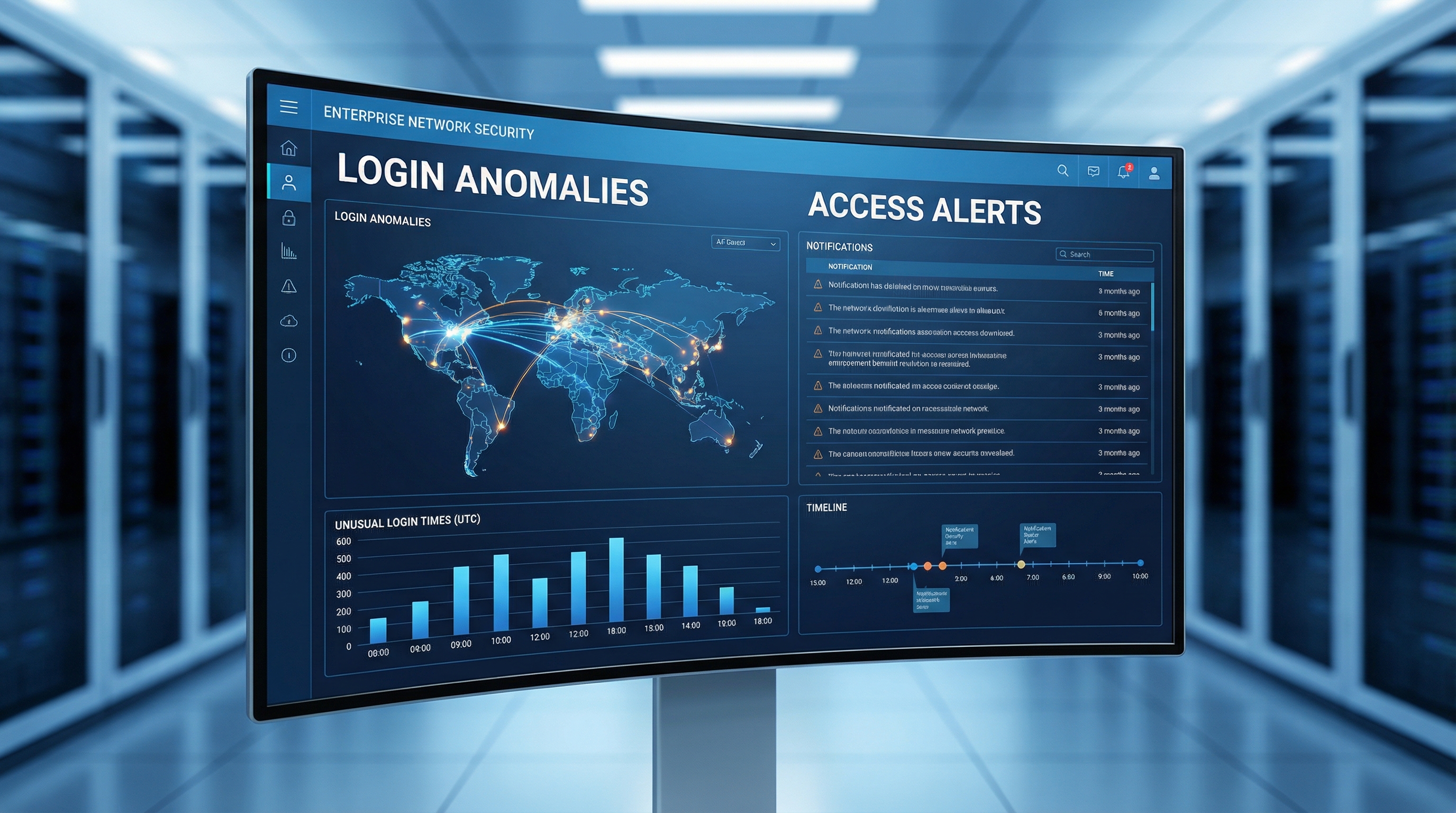
1. Abnormal Login Behavior
- Logins from unfamiliar or geographically unlikely locations
- Access attempts outside normal business hours
- Multiple failed login attempts followed by a successful one
- Simultaneous logins from different devices or regions
Attackers often use stolen credentials to move laterally within a network. Monitoring for these patterns is a must for any IT or security professional.
2. Suspicious Use of Remote Desktop Protocol (RDP) and Remote Access Tools
- Unexpected RDP sessions or remote access activity
- Open RDP ports accessible from the internet
- Brute-force attacks targeting RDP endpoints
RDP is a favorite tool for both legitimate administrators and attackers. Regularly auditing RDP usage and enforcing multi-factor authentication can help mitigate this risk.
3. Abnormal PowerShell or Script Activity
- Execution of encoded or obfuscated PowerShell commands
- Unusual spikes in script execution or system changes
- PowerShell launching from non-standard user accounts
Attackers use living-off-the-land tactics leveraging built-in tools like PowerShell to avoid detection. Enable detailed script logging and aggregate logs using a SIEM (Security Information and Event Management) solution for real-time analysis.
4. Unusual Network Traffic Patterns
- Large outbound data transfers, especially outside business hours
- Connections to known malicious IP addresses or domains
- Abnormal internal east-west traffic between endpoints
Indicators of compromise often show up as unexpected data flows, which may signal data exfiltration or lateral movement by attackers.
5. Unauthorized System or Configuration Changes
- Modifications to firewall or endpoint security settings
- Installation of unfamiliar software or services
- Disabled security controls or logging mechanisms
Small changes to system configurations can create backdoors for persistent access. Regular audits and configuration baselining are essential defenses.
How Can IT Professionals Proactively Detect Cyber Compromise?
While technology plays a role, the most effective defense involves a combination of tools, processes, and human expertise. Here is a practical mini-framework for detecting cyber compromise:
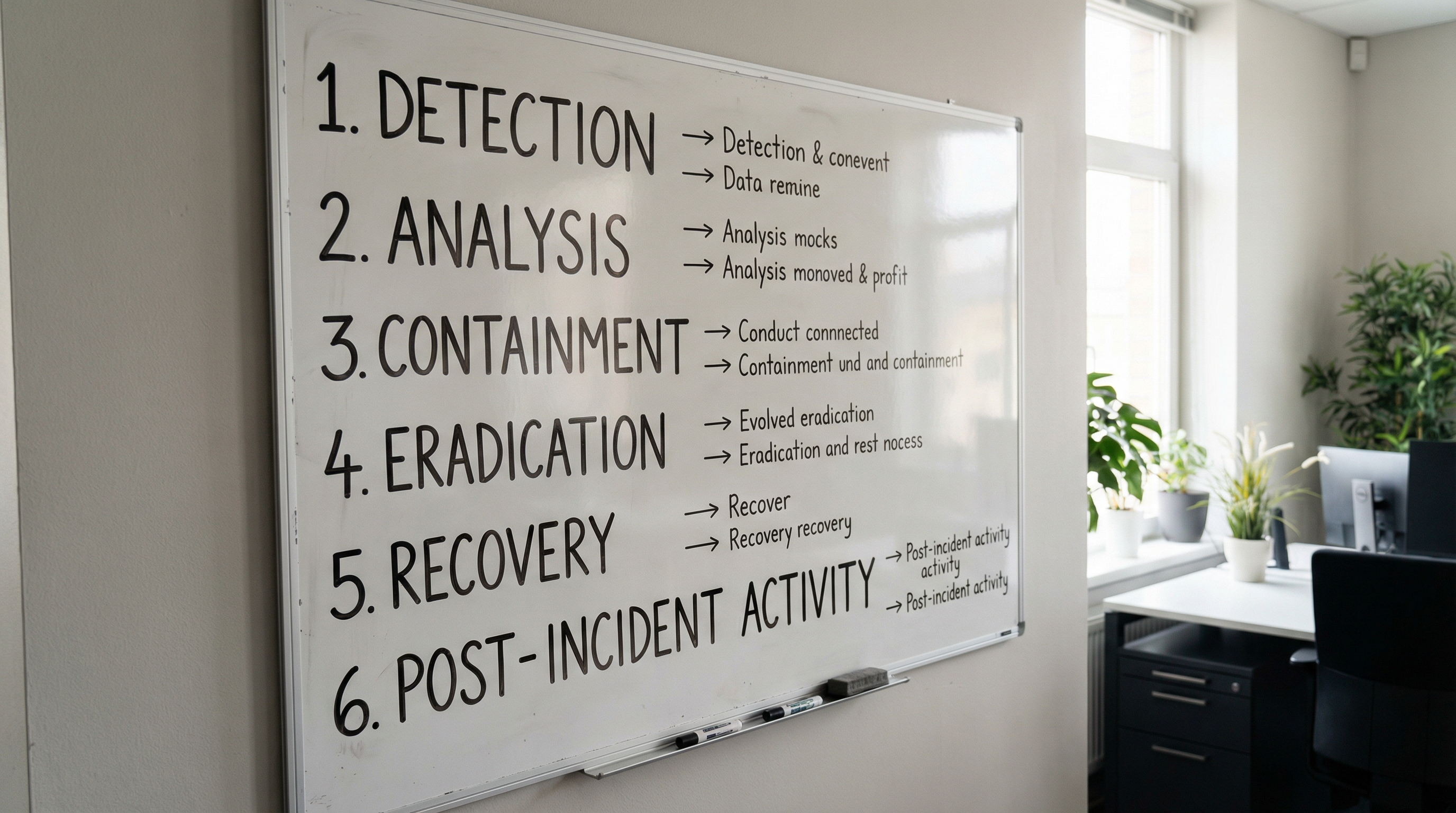
- Centralize and Aggregate Logs: Use SIEM solutions to collect logs from endpoints, servers, network devices, and cloud services. Centralized logging enables correlation of suspicious events across your environment.
- Deploy User and Entity Behavior Analytics (UEBA): Analyze baseline user behavior and flag anomalies, such as unusual login times or access to sensitive data outside a user’s typical role.
- Regularly Audit Remote Access: Restrict RDP and remote tool usage, enforce strong authentication, and review access logs frequently. Close unused ports and monitor for brute-force attempts.
- Enable Advanced PowerShell Logging: Configure detailed script logging and monitor for encoded or unauthorized script executions. Use Group Policy to enforce these settings on Windows endpoints.
- Monitor Network Traffic for Anomalies: Use intrusion detection systems (IDS) or next-generation firewalls to detect abnormal data flows. Pay special attention to large outbound transfers or traffic to suspicious destinations.
- Conduct Regular Vulnerability Scans and Patch Management: Stay current with security patches, especially for network appliances, browsers, and other high-risk applications. Prioritize remediation based on risk and active exploit trends.
- Maintain and Test Your Incident Response Plan: Ensure your response procedures are current and run tabletop exercises to practice responding to different types of compromise scenarios.
Why Are Credential Theft and InfoStealers So Dangerous?
Modern attackers increasingly target valid credentials using phishing, infostealers, and malware distributed through email or social engineering. Once inside, they can move laterally, escalate privileges, and carry out data theft or ransomware attacks with minimal detection. According to recent threat intelligence, credential harvesting now accounts for 28% of breaches, making strong identity management and regular monitoring more crucial than ever.
Real-World Examples: Vulnerabilities and Their Impact
In 2025, attackers exploited a wide range of vulnerabilities, from VPN gateway flaws to unpatched browsers and legacy network appliances. For example, the Ivanti Connect Secure Zombie Edge flaw allowed attackers to maintain backdoors even after patching, while infrequent updates to SharePoint and NetScaler appliances led to critical infrastructure attacks. These cases emphasize the need for continuous vulnerability assessment and rapid remediation, as well as the importance of not overlooking forgotten tech in the environment.
Building Practical Skills for Cyber Compromise Detection
Hands-on experience in log analysis, PowerShell review, and incident escalation is now a must for both new and advancing IT/cybersecurity professionals. Whether you are looking to transition into cybersecurity or level up from a help desk role, structured, scenario-based training is the best way to gain confidence and job-ready skills. NGT Academy’s Network Engineer Program + Cybersecurity Accelerator provides the real-world labs, mentorship, and career coaching you need to bridge the gap between theory and practice.
Best Practices for Reducing Attacker Dwell Time
- Implement centralized log management and SIEM for comprehensive visibility
- Use behavioral analytics to spot unusual activity across users and endpoints
- Conduct regular audits and vulnerability scans
- Integrate current threat intelligence feeds
- Maintain an up-to-date incident response plan
- Promote a culture of security awareness among all staff
These steps turn digital breadcrumbs left by attackers into actionable intelligence, shortening the time it takes to detect and contain threats.
Start Your Cybersecurity Career Journey with Confidence
If you are ready to build practical detection skills and pursue a career in IT or cybersecurity, NGT Academy is here to help. Our mission is to help 1 million people launch or advance their tech careers by 2030. Explore our mission and discover how our hands-on programs can prepare you for success in a high-demand field.
FAQ
What are the first signs of cyber compromise on a network?
Early symptoms include abnormal login behavior, unexpected remote access, and unusual data transfers, which often signal an active intrusion or ongoing attack.
How can I identify suspicious PowerShell or script activity?
Look for encoded or obfuscated commands, high volumes of script execution, and PowerShell activity from non-administrator accounts. Enabling advanced logging can help catch these signs.
Why is monitoring RDP usage important for cybersecurity?
RDP is commonly exploited for unauthorized access and lateral movement. Monitoring RDP sessions helps detect and block potential attacker entry points.
What are the risks of ignoring patch management?
Unpatched systems and applications leave networks vulnerable to rapidly weaponized exploits, leading to data breaches, ransomware, and persistent backdoors.
How can NGT Academy help me start a career in cybersecurity?
NGT Academy offers hands-on, skills-based training, mentorship, and career coaching designed to prepare you for real-world IT and cybersecurity roles, even if you are new to the field. Explore how to become a cybersecurity analyst through this guide and discover a proven strategy for landing and advancing your IT job.